Reads your screen
Being builtPlanned support for editors, terminals, consoles and documentation you choose to share.
Learn development and cloud work with an agent reading your editor and console.
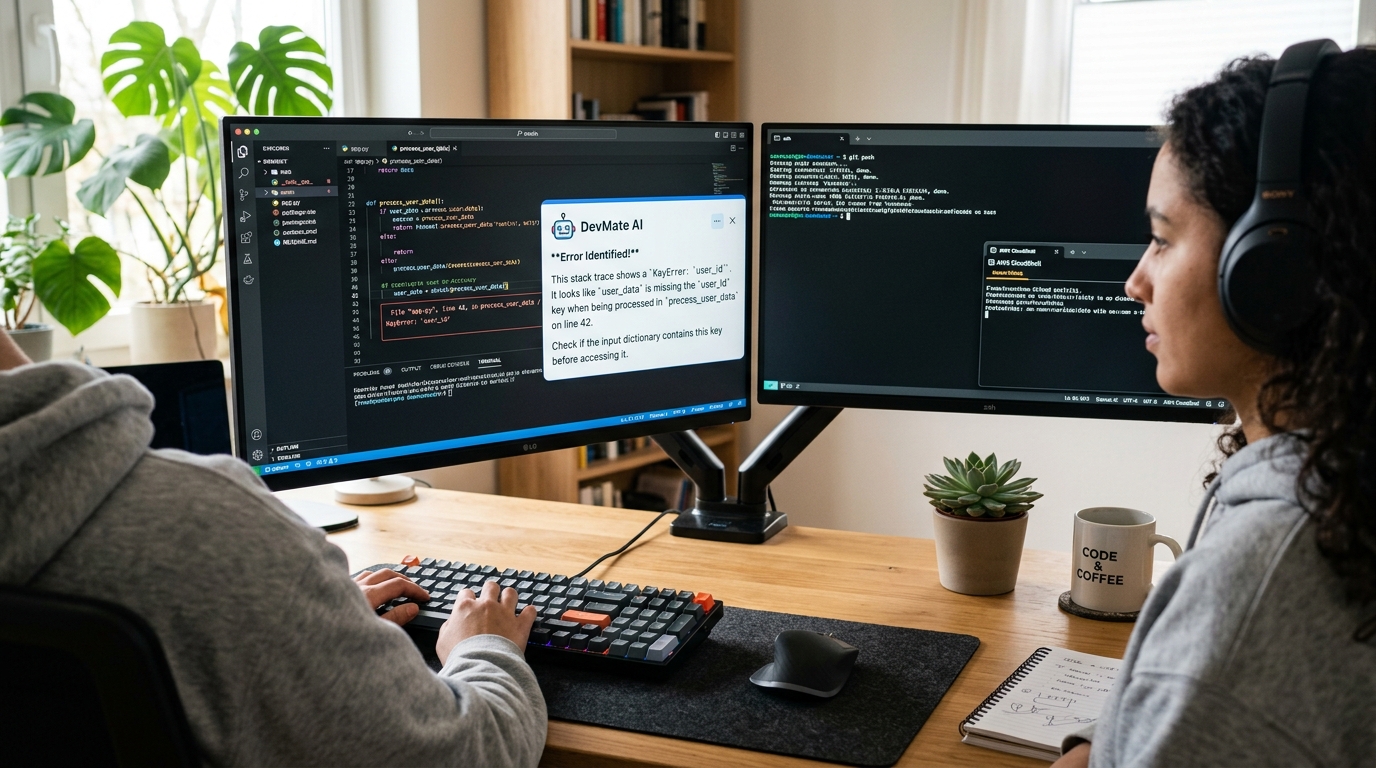
The Technology agent is planned for the moment a tool is unfamiliar: a new framework, a cloud console you have never opened, an error you cannot place.
It is intended to read what you share and teach the model behind it, so the next error makes sense on its own.
It would explain rather than silently rewrite. You stay the author of your code.
This is what the agent is being built to do. Nothing here is running yet.
Planned support for editors, terminals, consoles and documentation you choose to share.
What the message means, what usually causes it and how to confirm the cause.
The model behind the framework, not only the syntax.
Services, limits and what a setting costs.
Read a diff and say what it actually changes.
Quizzes and summaries from what you struggled with.
Understand the error instead of pasting a fix you cannot explain.
Map what you already know onto the new framework or platform.
Learn the console, the vocabulary and the cost model.
The same four steps on every Intelligenfy agent.
The learner picks what they want to understand: a field, a topic, or the program open in front of them.
The learner deliberately shares a selected screen, browser tab or application with Intelligenfy.
The AI agent observes the screen you shared, explains what is visible and answers by voice or text.
The learner works through guided exercises and is corrected as they go, while Intelligenfy tracks what they have finished.
More detail on how screen-aware agents work.
Not yet. It is on the roadmap and the waitlist decides what gets built first.
It is planned to teach and review rather than write for you, so the understanding stays with you.
It is not open yet. Join the list and you are invited before general release.